Local by default
The vault works offline and requires no account, analytics service, or vendor-operated recovery channel.
Case study 02 · Security tools
An offline password manager that puts encrypted records, recovery material, and operational control in the user’s hands.
Running product
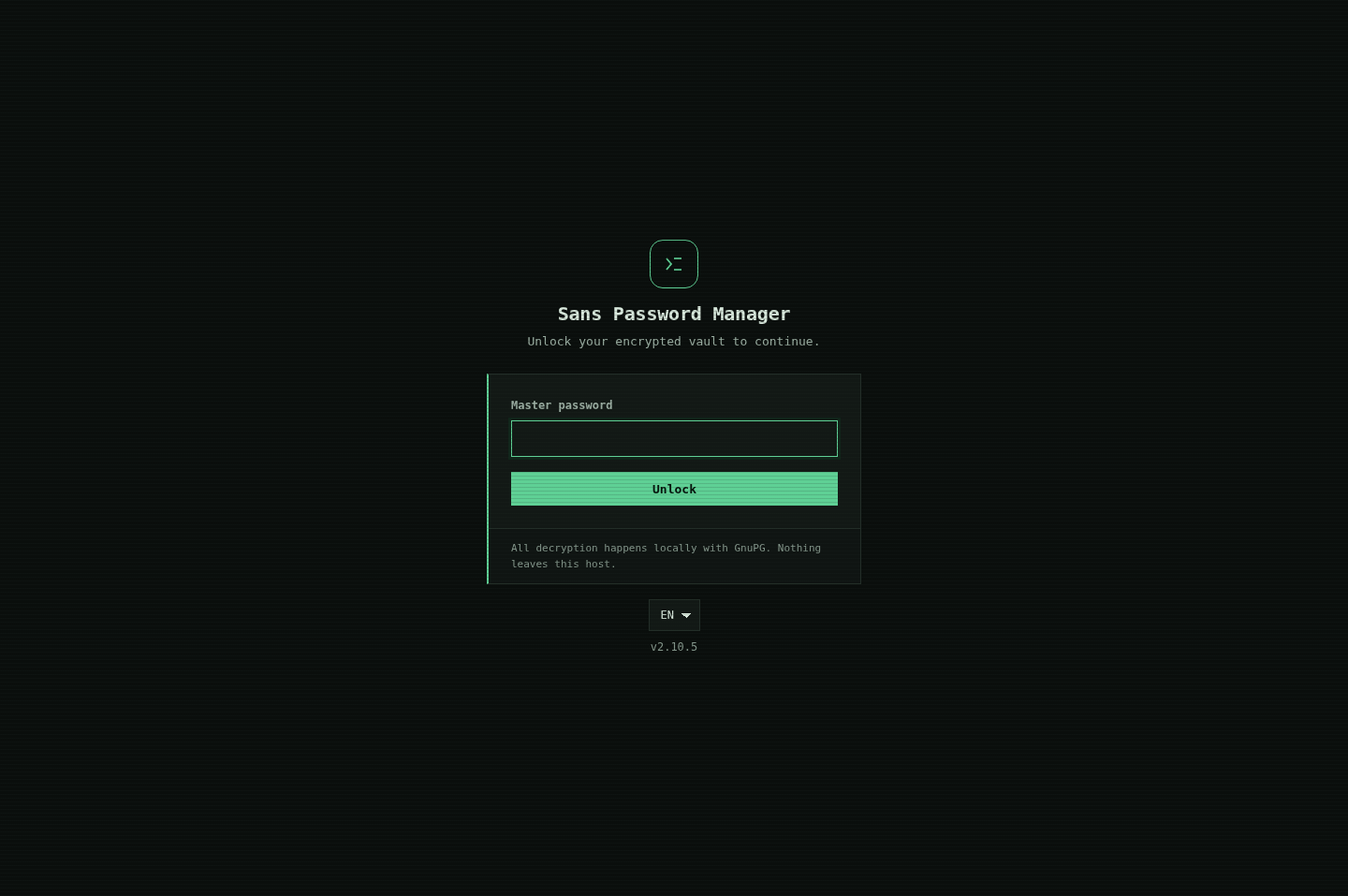
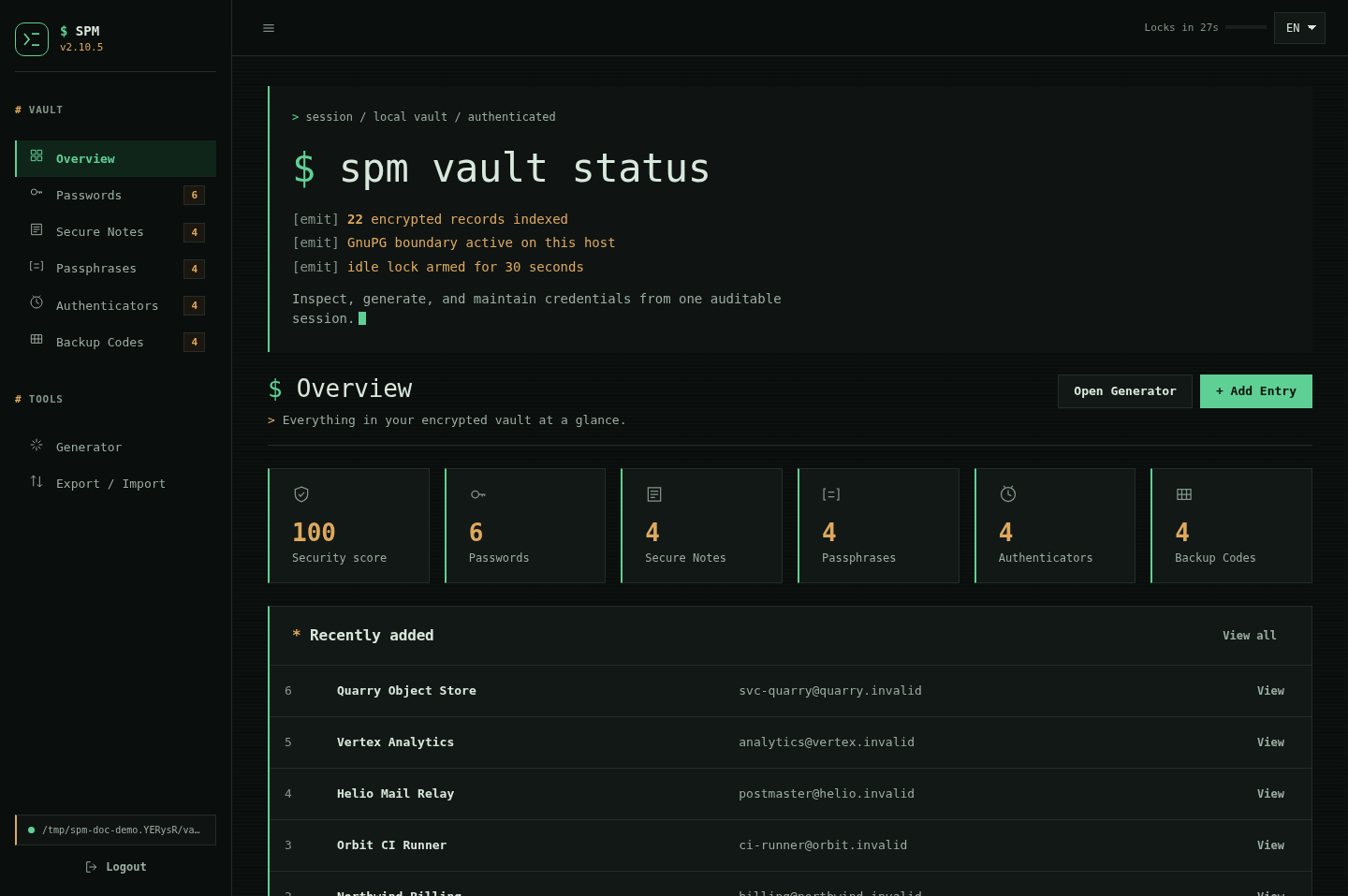
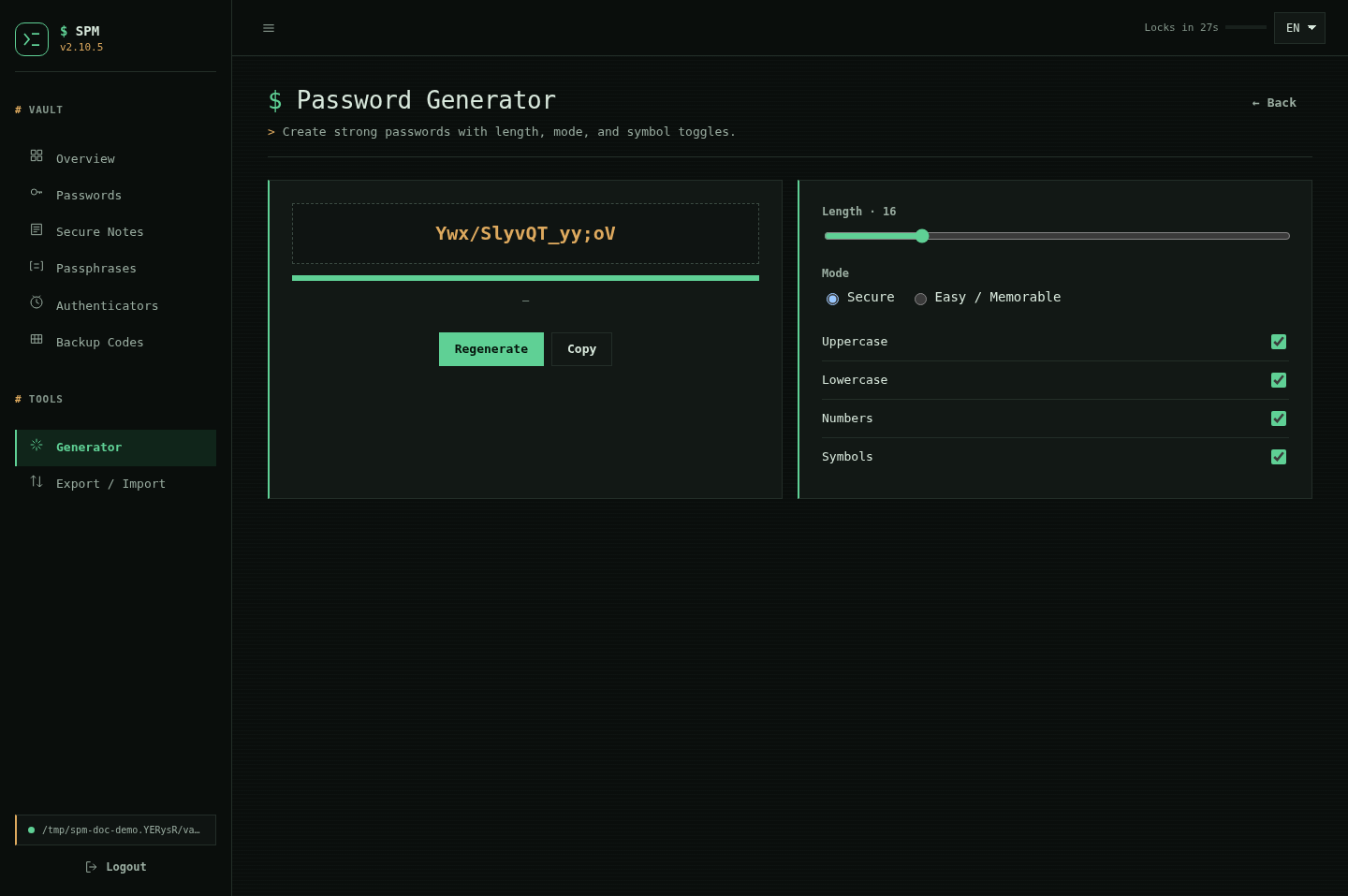
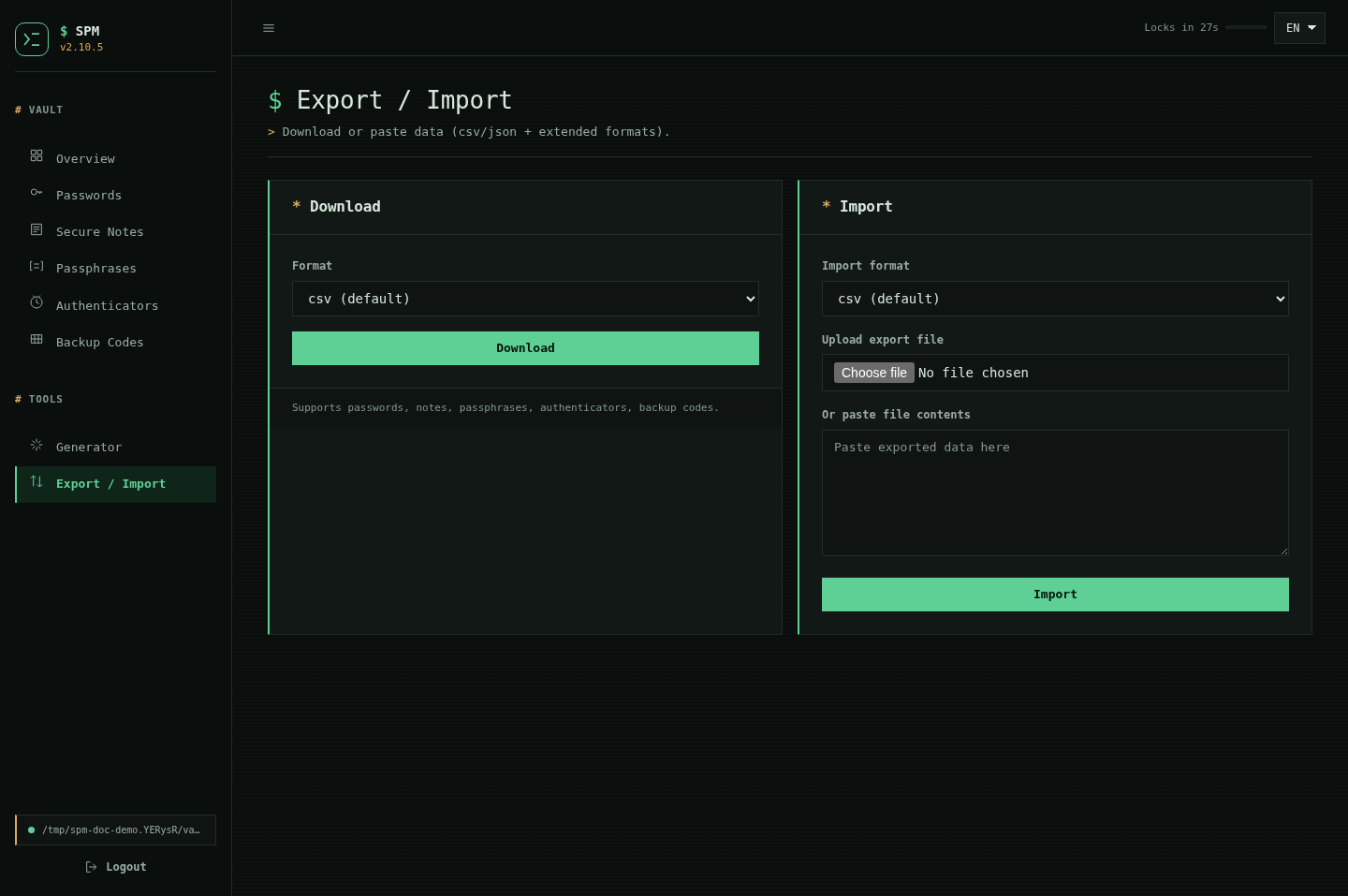
Genuine documented captures from the 2.10.5 web interface show entry, daily vault use, credential generation, and portable transfer. No credentials in these screens are real.
Local / portable
Custody / control
The problem
Many password managers ask people to trust an account, a subscription, a sync provider, and the vendor’s recovery process. The goal here was different: useful credential management with no mandatory cloud service and an inspectable local trust boundary.
My contribution
I developed the product around portable shell tooling, GnuPG encryption, explicit recovery, and both CLI and local web interfaces.
The work connects cryptographic operations to ordinary tasks—searching, editing, importing, exporting, generating credentials, and managing one-time codes—without disguising who ultimately holds responsibility for the vault.
Ownership record
Trust boundary
Key decisions
The vault works offline and requires no account, analytics service, or vendor-operated recovery channel.
Encrypted records are supported by locking, atomic operations, history, backups, and explicit recovery workflows.
A CLI and local web UI make the same system useful across Linux, macOS, and Termux-oriented workflows.
Result
Release 2.10.6 documents 23 product screens, English, Indonesian, and Japanese interfaces, and multi-format import and export. The outcome is deliberately compact: files and familiar cryptographic tools remain understandable outside a proprietary service.
Honest boundary: local custody does not protect a compromised host from root access, malware, or keylogging. It also means there is no vendor back door when recovery material is lost.
Lock / recover
Own / understand